
Mac Repairs in the Northern Rivers
20+ Years' Experience
Support for Windows & Mac
Mobile On-Site IT Service
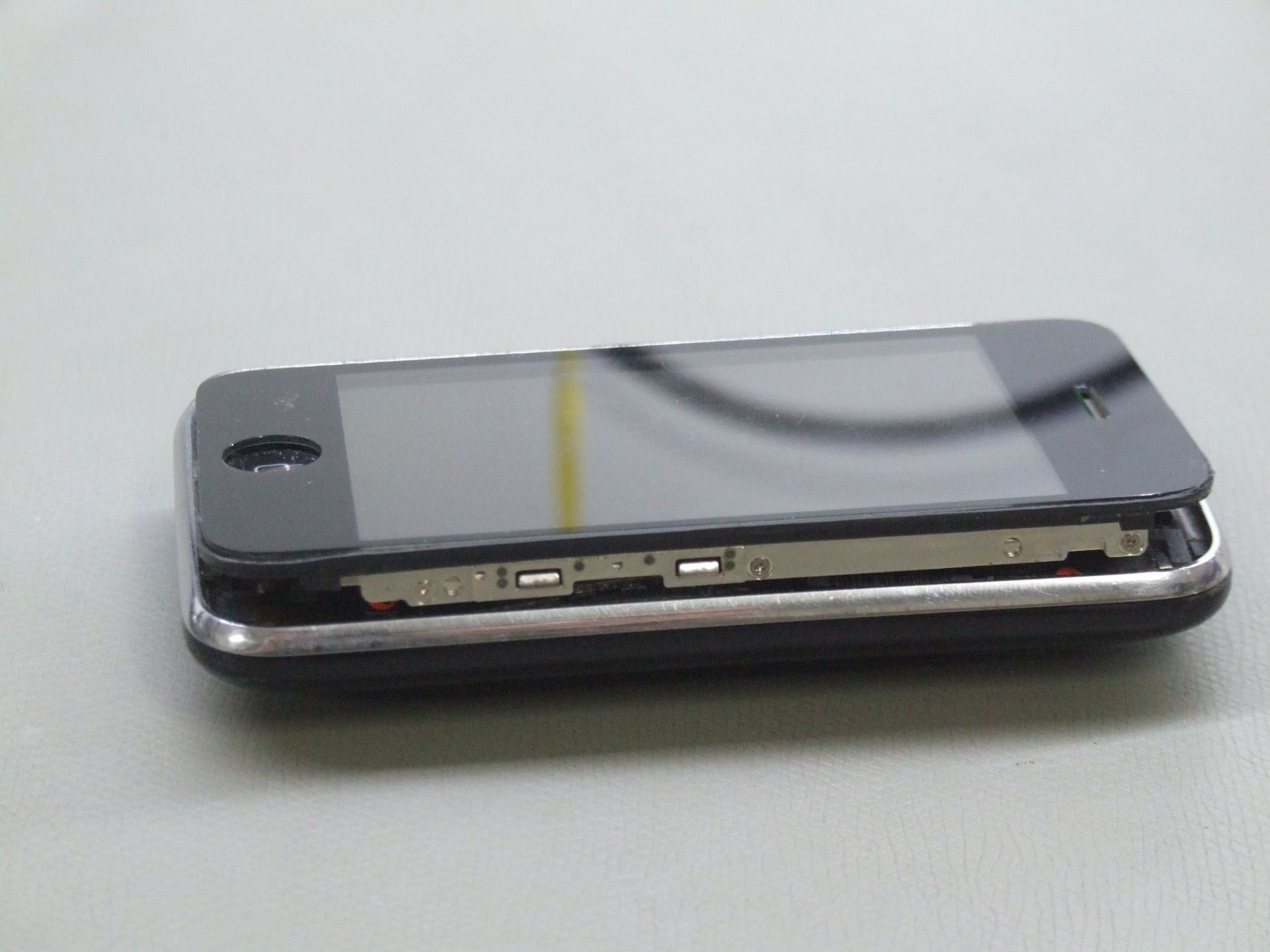
Repair & Maintenance for Apple Devices
Macs are built to last, but when something stops working, repairs need to be done properly. At Rescuetech, we diagnose and fix Apple computers for both home and business users across the Northern Rivers.
Our technicians work on all models, from iMacs and Mac Minis to MacBooks, handling issues like startup failures, hardware faults and corrupted software. Each repair begins with a clear assessment so you know what needs to be done and why. We can replace failed components, recover data or reinstall macOS without disturbing your files. If your Mac has slowed down, won’t start or simply needs professional maintenance, we’ll get it sorted quickly. We also provide support for Windows laptops and desktops.
For dependable Mac repairs, call Rescuetech on (02) 6681 5575.
Our Mac Repair Services
Our technicians have extensive experience repairing Apple devices. Common services include
:
- Hardware Repairs – Replacement of power supplies, logic boards, and internal components using compatible, high-quality parts.
- Drive & Memory Upgrades – Installation of SSDs or new RAM to improve performance and extend system life.
- Software & System Recovery – Fixing macOS errors, reinstalling systems, or restoring access to locked or damaged profiles.
- Data Restoration & Protection – Recovering lost files and setting up secure backup processes to prevent future data loss.
We don’t patch over faults—we fix them properly. Whether you use a Mac for design, study or business operations, Rescuetech is here to help!
Submit An Enquiry
Need assistance? Either call our team or submit an online enquiry. Help is on it's way!
Contact Us
Thank you for contacting Rescuetech Computer And iPhone Repairs.
We will get back to you as soon as possible.
Oops, there was an error sending your message.
Please try again later.
FAQ
What do I do if my Mac isn't working properly?
If your Mac isn't working properly, the first thing you should do is restart it. If that doesn't fix the problem, force quit any apps that are causing problems. Make sure you check for updates to macOS and your apps. You can also run Disk Utility to check for disk errors. If you're still not sure what the problem is, you should take your computer to an IT professional.
Can you replace my Apple laptop screen?
Yes, we can replace your Apple laptop screen. We also offer a variety of other repairs for Apple laptops.
Can you save the data from my Apple laptop?
In most cases, we can save the data from your Apple laptop. We have a few different options for doing this, so please let us know what would work best for you. We can transfer the data to an external hard drive, put it onto a USB, email it or upload it to a sharing platform.