
Printer Support in the Northern Rivers
20+ Years' Experience
Support for Windows & Mac
Mobile On-Site IT Service
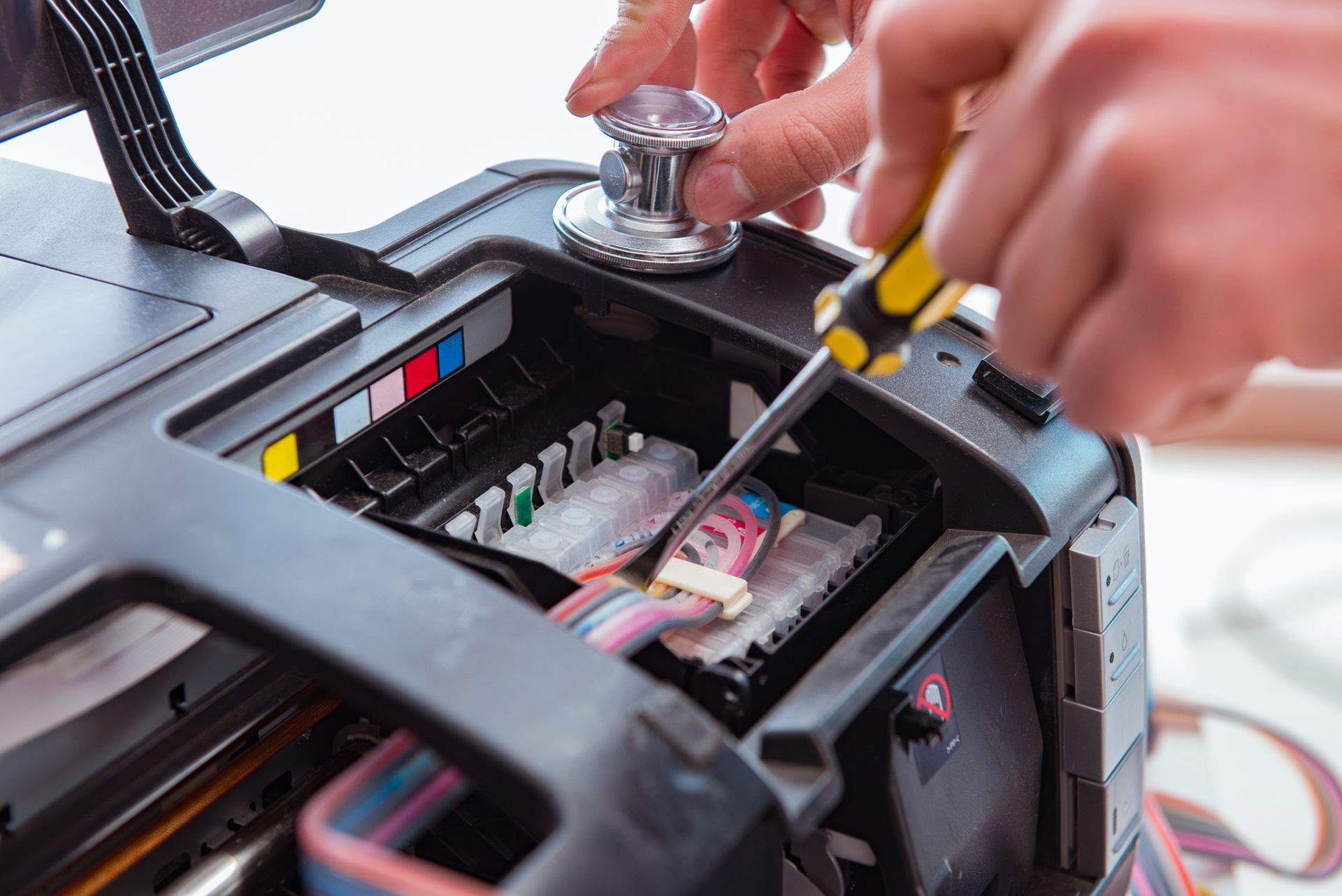
Diagnosing & Fixing Printer Issues
Printers are essential for both home and business operations, yet they’re often the first devices to cause frustration when they fail. From connection issues and paper jams to poor print quality and software conflicts, even minor faults can slow down productivity.
At Rescuetech, we provide professional printer support and maintenance for a wide range of models and setups. Our technicians diagnose problems quickly, resolving hardware, driver and network faults to restore seamless printing. We also help configure shared printers for offices, install new devices and integrate them with existing systems. Whether your printer needs a full service or a quick fix, we’ll get it back in working order fast.
For professional printer support, or help with desktops and laptops, call Rescuetech on (02) 6681 5575.
Our Printer Services
Printer problems come in many forms, and each requires a specific solution. Our printer support services include:
- Hardware Repairs – We fix paper feed mechanisms, rollers, fuser units and power issues to restore smooth and reliable operation.
- Network & Wi-Fi Setup – We connect printers to wireless or shared networks, ensuring stable connections and proper device recognition across multiple computers.
- Driver & Software Fixes – We install, update or repair printer drivers and applications to eliminate communication errors and printing delays.
- Maintenance & Performance Checks – Regular servicing keeps print heads clean, calibrates colours and extends the life of your printer for consistent, high-quality output.
With proactive support and thorough troubleshooting, we make printing simple, reliable and stress-free again.
Submit An Enquiry
Need assistance? Either call our team or submit an online enquiry. Help is on it's way!
Contact Us
Thank you for contacting Rescuetech Computer And iPhone Repairs.
We will get back to you as soon as possible.
Oops, there was an error sending your message.
Please try again later.
FAQ
Why does my printer keep showing as offline?
This can happen when the device loses connection to the network or the driver stops communicating properly. Reconnecting and updating drivers usually restores normal operation.
What’s the best way to prevent paper jams?
Always use clean, flat paper and avoid overfilling the tray. Regular cleaning of rollers and correct paper alignment also helps prevent jams.
Why is my printer leaving streaks or faded marks?
Dirty print heads or low toner levels often cause streaking. A print-head cleaning cycle or toner replacement typically fixes the issue and restores print quality.