
IT Support in Alstonville
20+ Years' Experience
Support for Windows & Mac
Mobile On-Site IT Service
Tech Assistance for Businesses
At Rescuetech, we provide dependable IT support and computer services for homes and businesses in Alstonville and nearby areas. Our technicians help maintain networks, secure data and optimise system performance to keep your technology running smoothly.
We work with both Windows and Mac systems and deliver practical solutions that suit your business size and goals. Whether you’re setting up a new network, improving your data protection or upgrading existing systems, our support is tailored to meet your needs. We service Alstonville through on-site visits and from our Ballina workshop, ensuring prompt, reliable assistance.
For IT support in Alstonville, contact Rescuetech today on (02) 6681 5575.
IT Set-Up
Network Support
Data Management
Business IT Solutions
Businesses rely on consistent, secure technology to stay productive. Rescuetech provides managed IT support that covers everything from daily maintenance to major upgrades. We assist with server management, device setup, software troubleshooting and general technical support for your team. Our approach is proactive, identifying potential issues before they cause downtime. We work closely with each client to create support plans that match their workflow and long-term objectives.
With regular maintenance and expert configuration, your systems stay efficient and protected from disruptions. Whether you need help with networking, system updates or hardware integration, our technicians deliver prompt, knowledgeable service. Professional IT management helps you focus on running your business while we handle the technology behind it.

Network & Server Support
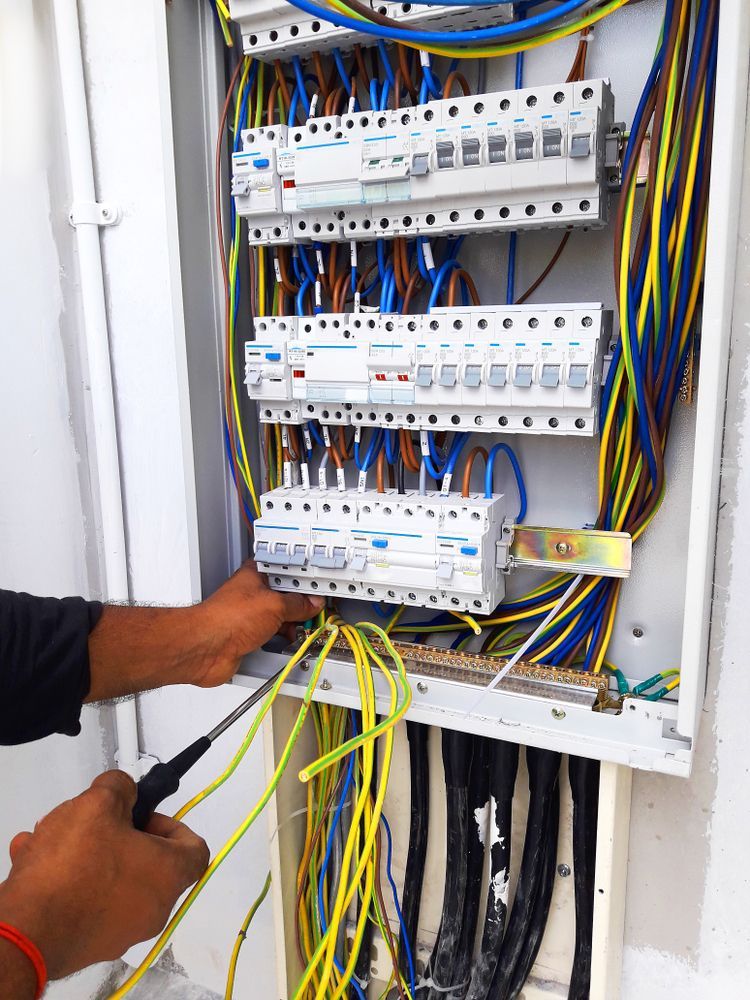
A stable network is vital for reliable communication and access to shared data. Rescuetech builds and maintains network systems that support seamless operations for both offices and home-based businesses. Our team configures routers, switches and firewalls to ensure strong connections and secure data flow.
We also handle performance monitoring and troubleshooting to identify weak points before they impact productivity. Upgrades can be implemented to boost speed, extend coverage or enhance security as your business grows. Every solution is tailored to your infrastructure and budget. By keeping your network well maintained, we help you avoid costly downtime and create a more efficient working environment that keeps your business connected.
Data Security & Management
Data loss can be devastating, which is why secure backup and protection are central to our IT services. Rescuetech designs and installs reliable systems that safeguard valuable information from hardware failure, cyber threats and accidental deletion. We set up automated local and cloud backups to ensure recovery is always possible.
Our technicians also implement antivirus protection, firewalls and encryption to defend against data breaches. Regular reviews help identify new risks and keep security measures current. If data loss occurs, our recovery services can restore important files quickly and safely. With a strong security strategy in place, your business data remains safe and your systems stay compliant and resilient against everyday threats.
Submit An Enquiry in Alstonville
Need assistance? Either call our team or submit an online enquiry. Help is on it's way!
Contact Us
Thank you for contacting Rescuetech Computer And iPhone Repairs.
We will get back to you as soon as possible.
Oops, there was an error sending your message.
Please try again later.
FAQ
What are the advantages of outsourced IT support?
Outsourced IT support gives you access to experienced technicians without the expense of hiring in-house staff. It also ensures consistent, reliable system maintenance.
How often should business networks be maintained?
Routine maintenance every few months keeps networks running efficiently. Regular checks identify issues early and reduce the risk of costly downtime.
What’s the difference between local and cloud backups?
Local backups store files on physical drives, while cloud backups keep copies online. Using both methods provides the best protection against data loss.